> For the complete documentation index, see [llms.txt](https://testinium.gitbook.io/enterprise-test-automation-docs/llms.txt). Markdown versions of documentation pages are available by appending `.md` to page URLs; this page is available as [Markdown](https://testinium.gitbook.io/enterprise-test-automation-docs/login/forgot-password.md).
# Reset Password
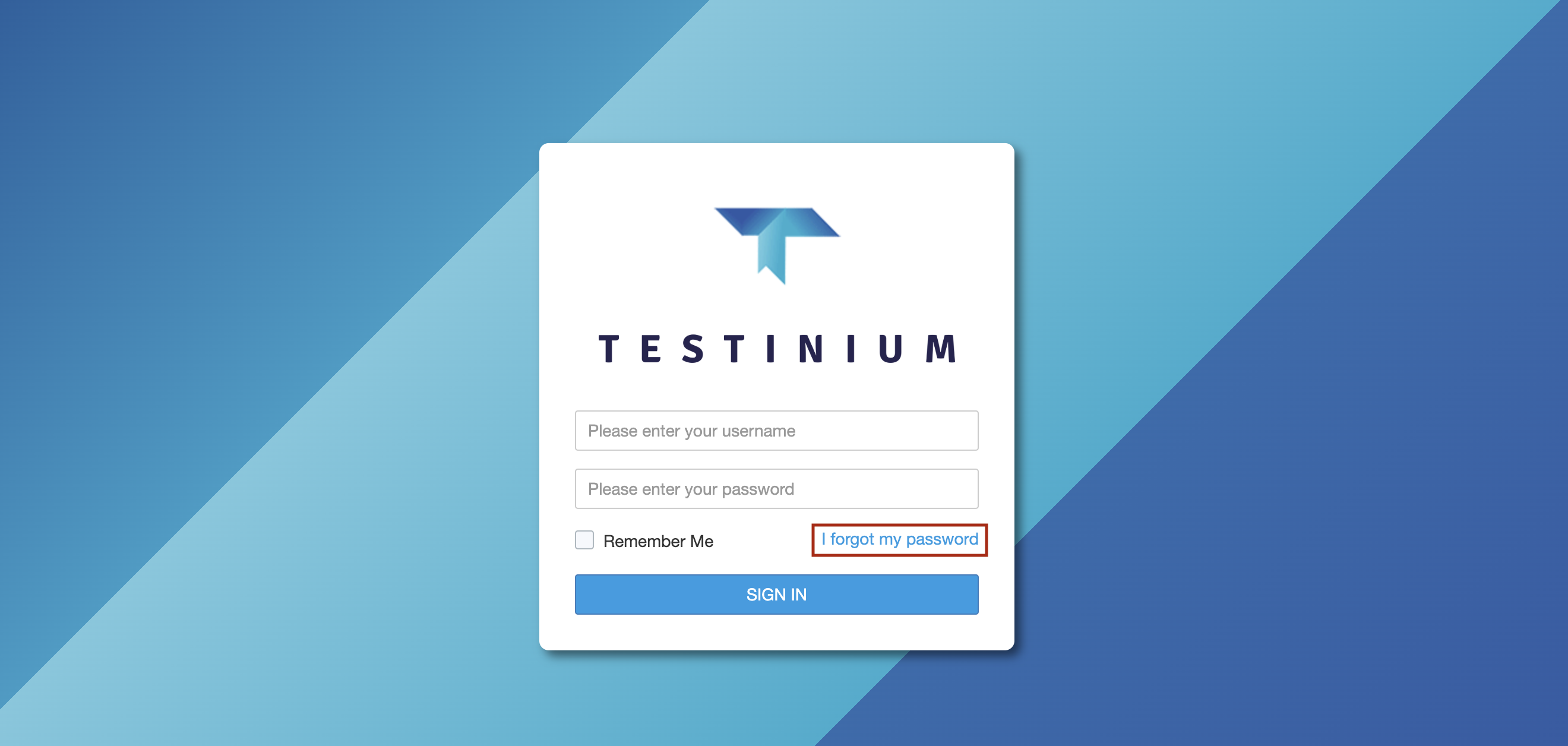
In cases where the password is forgotten, the password is updated by following the steps below;
1. Click the ***I forgot my password*** field.
2. Enter the e-mail address.
2. Click the ***Retrieve Password*** button.
Entered e-mail address is registered in the system, the system sends a new password to the e-mail address.